Free Versus Premium SD Card Recovery Software
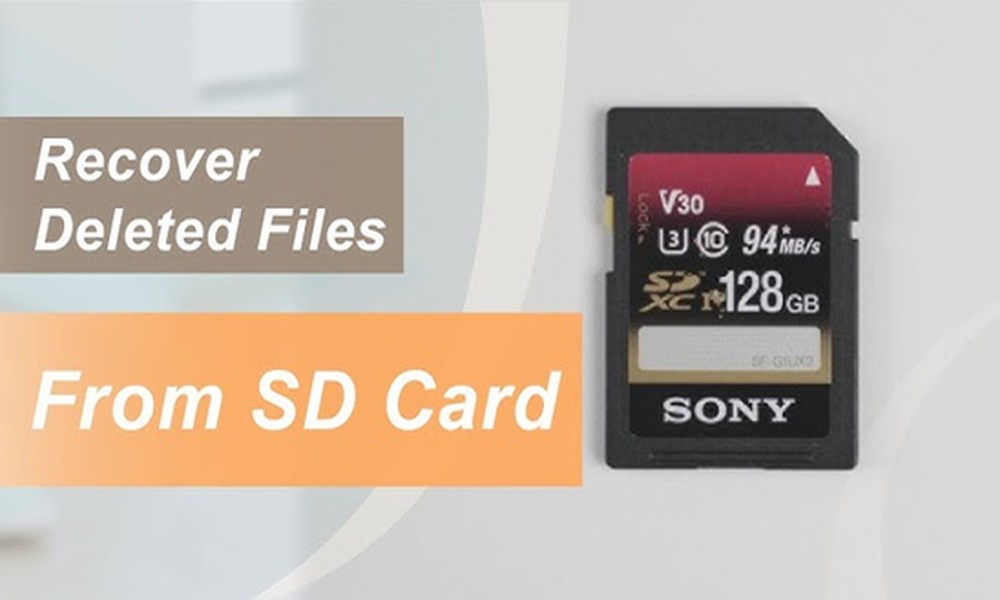
Losing important project files or photos from your SD card is a disaster. When you lose data, you start searching for a recovery solution. There are several tools to restore the files from your SD card or other drives. But, should you choose a free or paid data recovery tools for SD card?
Understand the loss of SD card data-
Before comparing applications, understand that data loss on SD cards happens due to
- Formatting errors
- Accidental deletion
- Corruption
- Physical damage
- Malware attacks
Pros and cons of free data recovery applications
The biggest advantage of using free data recovery tools is that you do not need to pay anything. They are perfect for your casual use or quick fixes. These beginner-friendly tools are advantageous for non-tech users. What’s more, if you have just formatted your card or deleted your files, rely on the free tool.
But, the free tools have a few limitations that may cause a disadvantage. The recovery capacity of the application is very limited. Besides, you may not be able to restore the overwritten or corrupted data.
Besides, there are fewer advanced features, such as deep scanning and partition recovery.
Paid version of the SD card recovery tool- Pros and cons
With the paid SD recovery software, there is a high chance of restoring your files. You will find no restriction on the number of recoverable files or file size.
The software allows you to take advantage of the advanced features. Deep scan modes, partition recovery, and file preview before recovery. The application is capable of restoring files of different formats.
The software provider will also provide customer assistance if you have chosen the premium version. PandaOffice Drecov data recovery software is available in both paid and free versions for users’ convenience. Thus, you may start with the free version to check its user-friendliness and then buy the premium one.
Conclusion
Data recovery tools are not just for recovering data from SD cards. You will be able to retrieve the lost data from different drives. There is no need for technical skills to use the software.
About The Author